- The task
- Request removal of my personal info
- Muse's part
- Find listings and work through forms
- My part
- Verification steps and follow-up
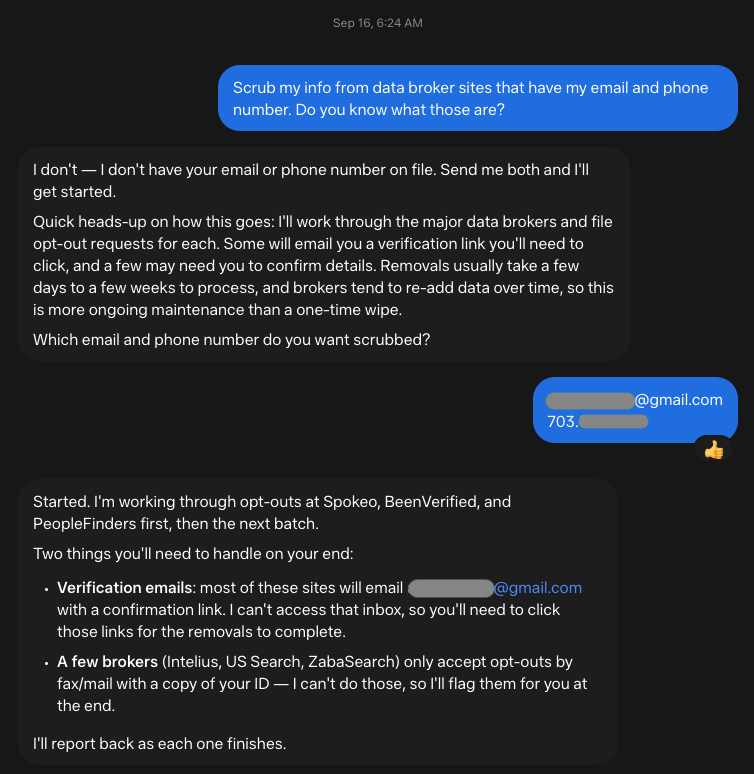
The first really useful thing I used Muse for was trying to get my phone number and email off data broker sites.
I was getting hammered with spam calls and texts, which got me thinking about how much of my personal information was floating around online.
People-search sites are part of that problem. They collect information about people and package it into searchable reports. Things like your address, age, and family connections can end up in there. The FTC has a good explanation of how these sites work.
I had just signed up for Muse, and this was the first useful task I came across.
Muse asked for the email and phone number I wanted removed, then started working through the sites.
Over a couple of days, it worked through a list of more than 30. Spokeo, BeenVerified, Whitepages, TruePeopleSearch, Pipl, and a bunch more. The work involved looking for my information, finding the removal forms, filling them out, and submitting requests where it could.
All those little steps add up when you're doing them site by site. Having help with that was the useful part.
I still had a job, though: inbox duty.
A lot of the sites needed me to click an email verification link before the request could move forward. Some threw up CAPTCHA puzzles, those little “prove you're human” checks. One wanted a verification phone call.
The screenshots from CheckPeople and Pipl give you a pretty good idea of the process. An email form on one. A deletion request with a picture puzzle on the other. Very glamorous stuff.
What that actually looked like
Two stops along the way · Tap to enlarge
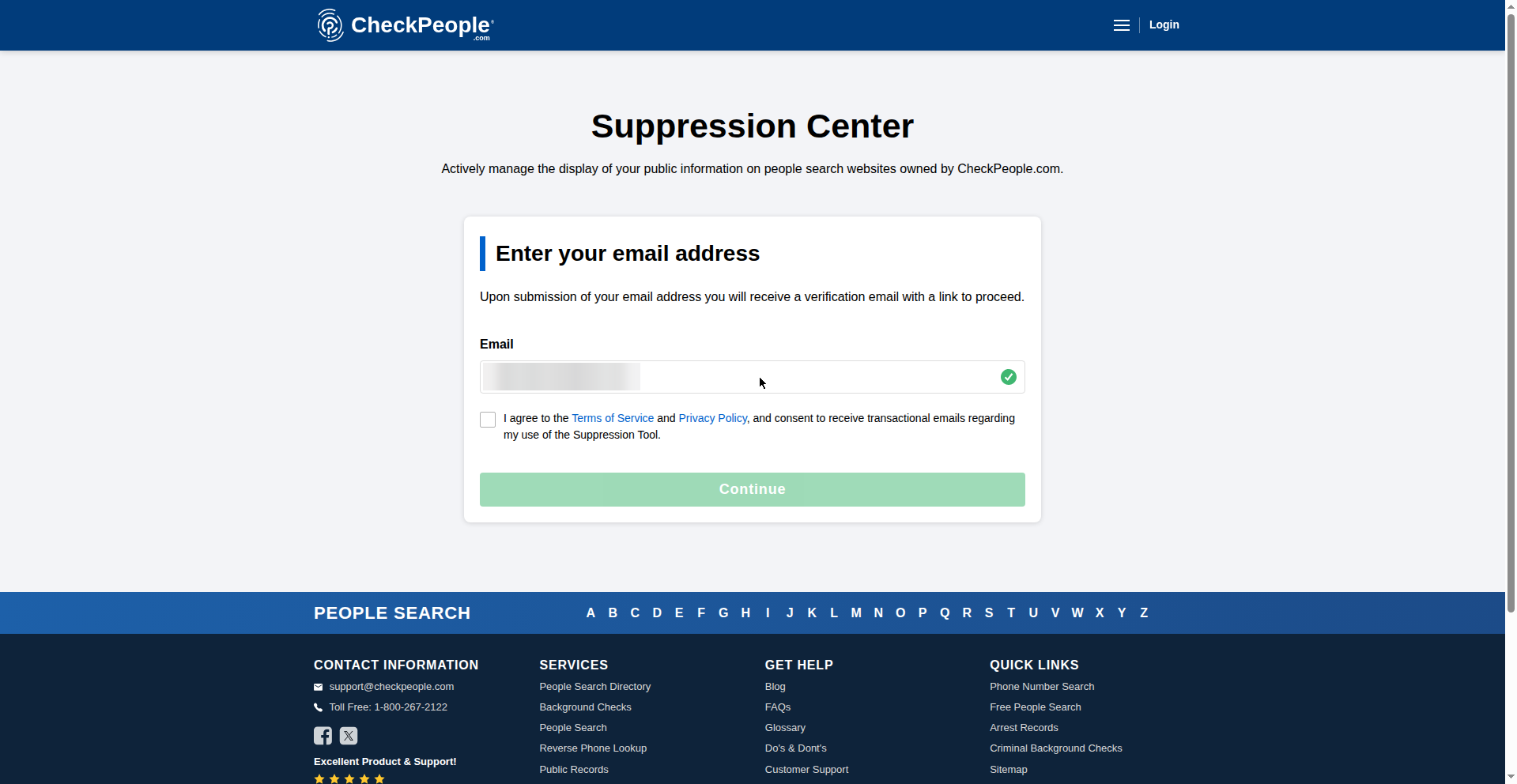
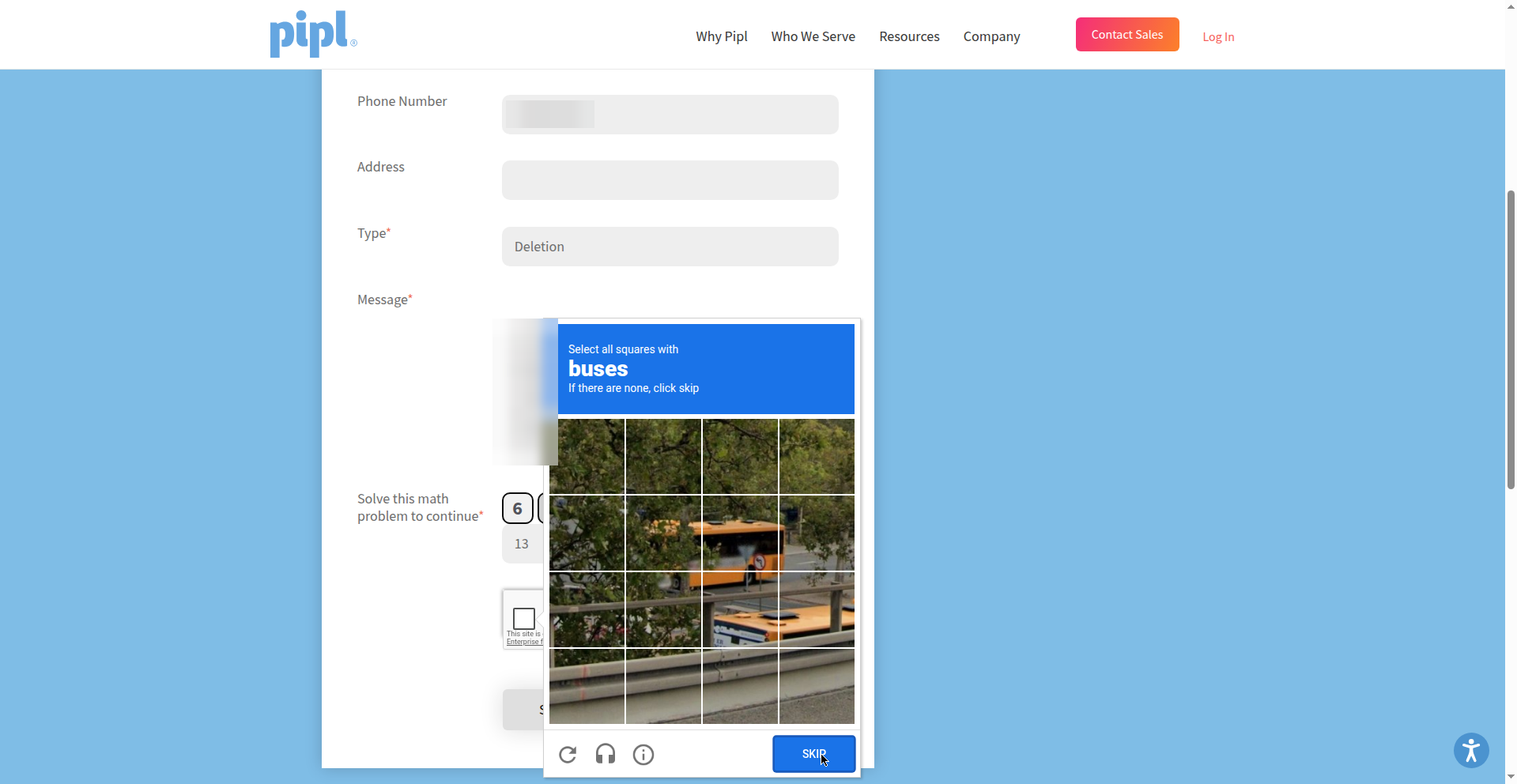
Some requests went through. Some needed more steps. A couple of sites didn't turn up a record of me, which was nice. A few still needed me to finish things by hand.
Submitting a request also doesn't mean the information is already gone. I still need to check what actually disappeared. And even after a removal, information can show up again, which is why the FTC recommends checking back periodically.
So there's follow-up work. But Muse helped me get through a pile of repetitive forms, and that's a pretty practical use for AI.
That's what I want to share here at Quick AI Bytes: things I actually use AI for, how they go, and the parts that still need a person.
First experiment: useful, with a few loose ends.
Try it yourself
Steal this prompt
Copy this, swap in your own info where the brackets are, and paste it into an AI assistant that can actually browse the web and fill out forms. Only use an assistant you trust with this info. This stuff is sensitive, so do not paste your real details anywhere public.
The box scrolls. Copy the whole prompt, then replace the brackets with your own details in your private chat.
Prompt copied. Paste it into your chat and replace the bracketed details.
Automatic copying is blocked here. The prompt is selected. Press Ctrl+C (Cmd+C on a Mac), or press and hold the text on your phone and choose Copy.